We ❤️ the AI you already use.
Connect ChatGPT, Claude, or any MCP client to your Cloxbi schedule.
Cloxbi ships a hosted MCP server, so your AI can read and update shifts, PTO, and coverage in plain English. Grab a key from manager settings — no Python, no repo checkout, no setup.
Hosted MCP on every plan · 14-day free trial · No credit card to start.
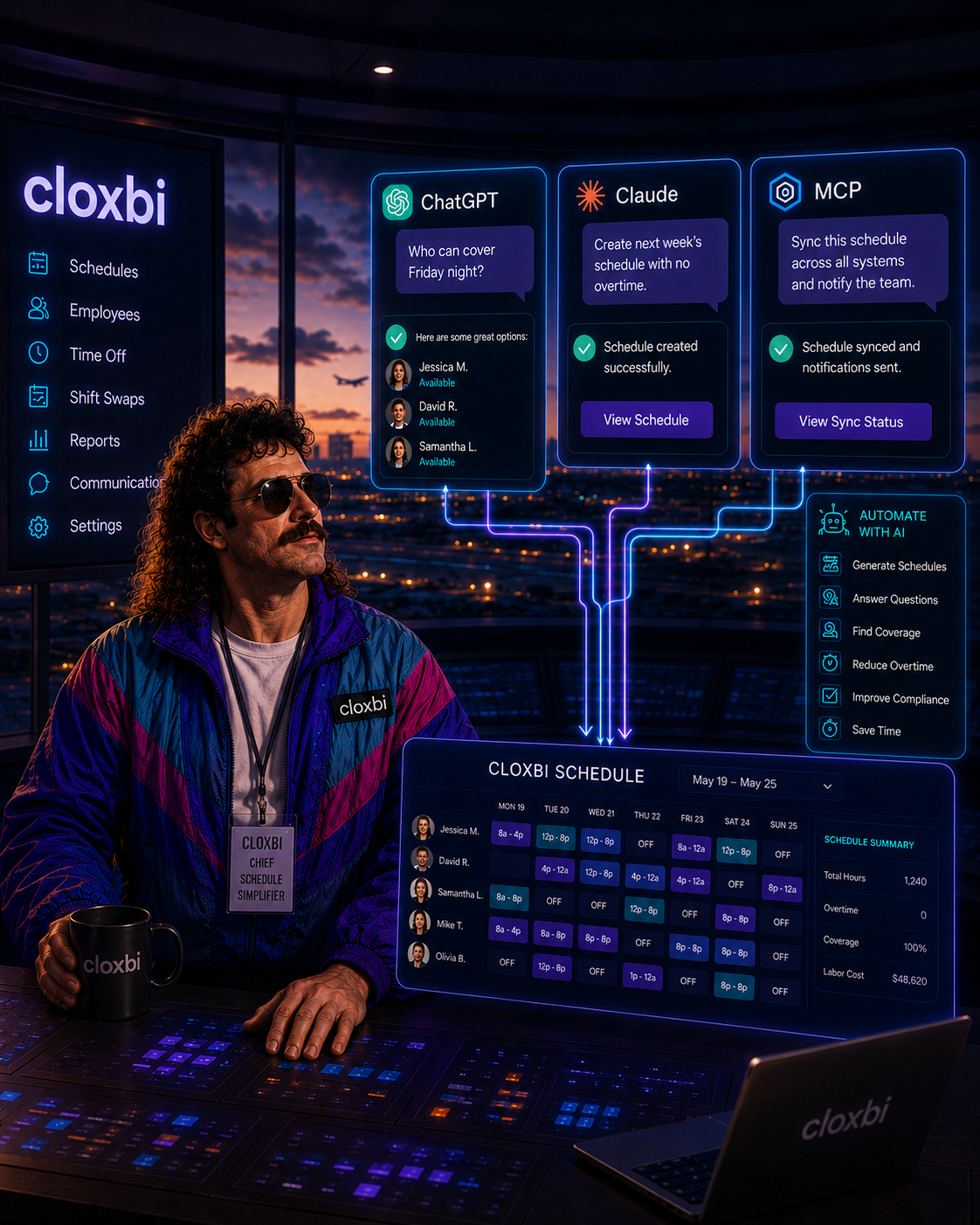
One key. Whichever client your team lives in.
Same hosted endpoint for all of them. Open a guide and you're connected in about two minutes.
Add Cloxbi as a custom MCP connector in ChatGPT's Developer Mode — same endpoint, same key. Ask in plain English.
Set up ChatGPTConnect Claude Desktop or Claude Coworker to live shifts, PTO, and roster data, then just talk to it.
Set up ClaudeIf it speaks MCP, it speaks Cloxbi. One hosted endpoint, one key — no Python, no repo checkout.
Read the MCP guideWhy hosted beats a local script
Most scheduling "integrations" mean cloning a repo, installing Python, and praying. Not here. We host the whole thing — you point your AI at one URL and get back to running your floor.
app.cloxbi.com/mcp and you're done.One endpoint, OAuth sign-in
Hand this to your IT person — or just do it yourself, it's quick.
Add it as a connector with OAuth, or generate an optional AI integration key for scripts.
Scheduling shouldn't suck. Connecting it shouldn't either.
Sign in once and talk to your schedule in the AI you already use.
Start your free trial14-day free trial · No credit card to start · Cancel anytime.